When you're having your business website built or redesigned, one of the most important decisions you'll make is choosing the right content management system (CMS). The platform you select will affect everything from your day-to-day content updates to your site's performance, scalability, and maintenance costs.
I've worked with SMEs across the EU and UK who've struggled with this decision, often feeling overwhelmed by the options available. The good news is that each major platform has distinct strengths, and understanding these can help you and your web designer make an informed choice that aligns with your business goals and technical capabilities.
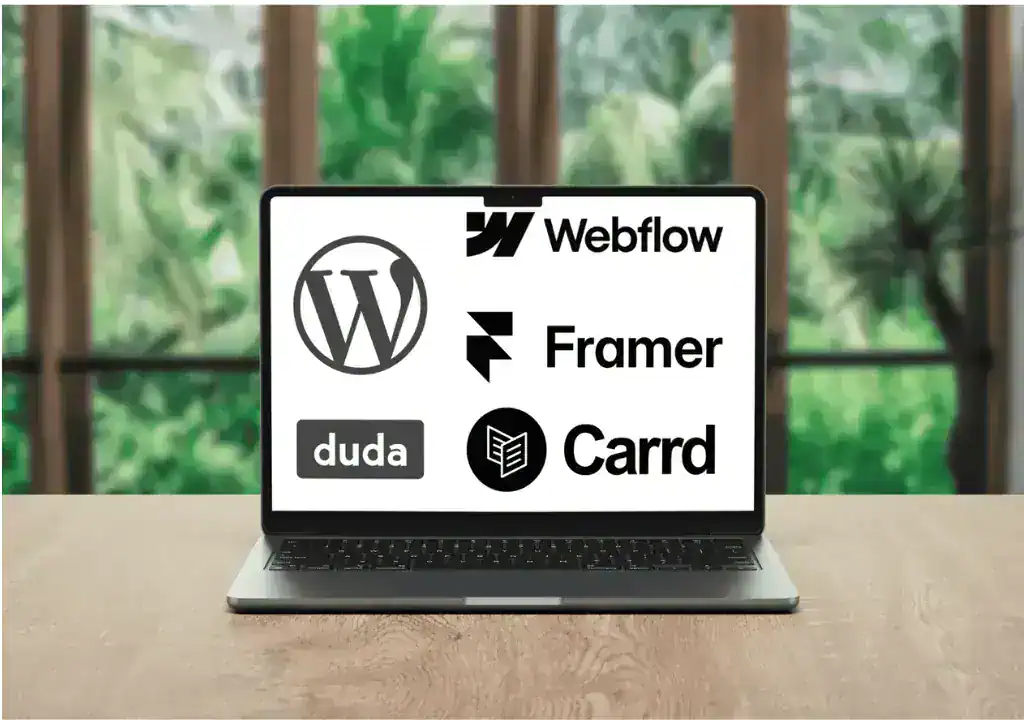
Let's explore five popular CMS platforms and when each one makes the most sense for your business.
WordPress: The versatile workhorse
WordPress powers over 40% of all websites on the internet, and there's a good reason for its popularity. It's incredibly flexible, with thousands of themes and plugins available to extend its functionality.
Best for: Small to medium businesses, blogs, e-commerce sites, learning management systems (LMS), membership sites, and businesses that need extensive customization options.
Strengths
- Massive ecosystem of plugins and themes means your developer can add almost any functionality you need
- Strong SEO capabilities out of the box, with excellent plugins like SEOPress and The SEO Framework
- Large community support means solutions to problems are usually just a search away
- Works well with WooCommerce, FluentCart, and SureCart for e-commerce functionality
- Cost-effective hosting options available at various price points
- You own your content and have complete control over your site
Considerations
- Requires regular maintenance, including plugin updates and security monitoring
- Can become slower if not properly optimized or if too many plugins are installed
- Learning curve exists for content editors, though it's manageable for most users
- Security depends on keeping everything updated and following best practices
WordPress is an excellent choice if you plan to publish content regularly, need e-commerce functionality, or want the freedom to customize extensively as your business grows.
Webflow: The designer's dream
Webflow bridges the gap between no-code simplicity and developer-level control. It's a visual website builder that generates clean, production-ready code.
Best for: Design-focused businesses, creative agencies, portfolios, and companies that prioritize visual aesthetics and custom animations.
Strengths
- Exceptional design control with a visual editor that doesn't compromise on quality
- Automatically generates responsive designs that work beautifully on all devices
- Built-in hosting that's fast and reliable
- CMS functionality is clean and intuitive for content editors
- Fewer third-party plugins needed compared to WordPress, reducing potential security vulnerabilities
- Excellent for creating custom animations and interactions
Considerations
- Higher cost compared to self-hosted WordPress
- Limited integrations compared to WordPress
- E-commerce functionality exists but isn't as robust as WooCommerce or Shopify
- You're dependent on Webflow's platform and pricing structure
- Your developer will need specific Webflow expertise
Webflow shines when visual design is a priority and you want a modern, polished website without custom code development.
Framer: The interactive powerhouse
Framer started as a prototyping tool and evolved into a full-fledged website builder. It's particularly strong for creating interactive, animated websites with a modern feel.
Best for: Startups, SaaS companies, product launches, and businesses that want cutting-edge interactive experiences.
Strengths
- Outstanding animation and interaction capabilities
- Intuitive interface for designers
- Fast performance and modern development practices
- Built-in CMS for managing content
- Collaborative features for teams
- AI-powered features to speed up design work
Considerations
- Relatively new as a website builder, so the ecosystem is still developing
- Limited templates compared to more established platforms
- Not ideal for complex e-commerce or large content-heavy sites
- Fewer integrations available than WordPress or Webflow
- Best suited for smaller sites focused on visual impact
Framer is perfect if you're launching a product, building a startup site, or creating a portfolio that needs to stand out with modern interactions. It's less suitable for traditional business websites with extensive content needs or complex functionality requirements.
Carrd: The simple solution
Carrd is a one-page static website builder that focuses on simplicity and speed. It's designed for creating single-page sites quickly and affordably.
Best for: Landing pages, personal profiles, simple portfolios, event pages, and businesses that need a basic online presence.
Strengths
- Extremely easy to use with minimal learning curve
- Very affordable, with free and low-cost plans available
- Fast loading times due to simple, clean code
- Perfect for testing ideas or creating quick landing pages
- Responsive designs that work well on mobile devices
- No maintenance required
Considerations
- Limited to single-page sites (though you can link multiple Carrd sites together)
- Basic functionality compared to other platforms
- Not suitable for blogs, e-commerce, or content-heavy sites
- Limited customization options
- Not scalable for growing businesses with complex needs
Carrd is excellent for solopreneurs, freelancers, or businesses that need a simple online presence quickly. It's also perfect for creating dedicated landing pages for marketing campaigns. However, if you plan to grow your site or need multiple pages with different purposes or additional languages, you'll quickly outgrow Carrd.
Duda: The agency-friendly platform
Duda is a website builder designed primarily for agencies and professionals who build sites for clients. It offers a good balance of ease of use and professional features.
Best for: Small businesses, local businesses, agencies managing multiple client sites, and businesses that want a managed solution.
Strengths
- Excellent for creating responsive websites quickly
- Team collaboration features make it great for agencies
- Built-in client management tools
- Strong performance optimization features
- Good for multilingual sites
- White-label options for agencies
- Reliable hosting included
Considerations
- More expensive than some alternatives
- Smaller template library compared to WordPress
- Less flexibility for complex custom functionality
- Fewer third-party integrations than WordPress
- You're locked into Duda's ecosystem
Duda works well if you want a professional website without the complexity of WordPress and don't need extensive customization. It's particularly valuable if you manage multiple business locations that need similar sites.
Making your decision
The right CMS for your business depends on several factors:
- Choose WordPress if you need maximum flexibility, plan to scale significantly, want full ownership and control, or need robust e-commerce functionality. It's the best long-term investment for most growing businesses.
- Choose Webflow if design quality is paramount, you want an all-in-one solution, and you're willing to invest more for a premium platform with excellent visual controls.
- Choose Framer if you're launching a modern product or startup, need impressive interactions, and your site is relatively simple in terms of page count and functionality.
- Choose Carrd if you need something simple and fast, you're on a tight budget, or you're creating a single-purpose landing page.
- Choose Duda if you want a managed solution with good performance, you're working with an agency that specializes in it, or you need to manage multiple similar sites efficiently.
My recommendation for most SMEs
For most small and medium businesses I work with, WordPress remains the most versatile and cost-effective choice. It grows with your business, gives you complete control, and has solutions for almost any challenge you'll face. Yes, it requires more hands-on management than all-in-one platforms, but that investment pays off in flexibility and long-term value.
However, if you're a design-focused business or startup with a specific vision and the budget to match, Webflow offers an excellent balance of design control and ease of use. And if you just need a simple online presence to get started, Carrd can get you up and running quickly.
The most important thing is to choose a platform that matches your current needs while allowing room for growth. Consider your technical comfort level, budget, timeline, and long-term goals. And remember, working with a professional who understands these platforms can save you time, money, and frustration in the long run.
Your website is often the first impression potential customers have of your business. Choosing the right foundation ensures that impression is a strong one.